
A progress tracker that shows what's actually changing
Log your weight and body measurements in seconds and see them next to your training — strength, volume, personal records and consistency. Trends over weeks, not one bad weigh-in.
Track my progress- Weight + 6 body measurements
- A chart for every metric
- Strength, PRs & consistency

The scale only tells part of the story
Your weight can sit still for weeks while your body changes — less fat, more muscle. That's why the app tracks six body measurements alongside your weight: they catch the progress the scale hides.
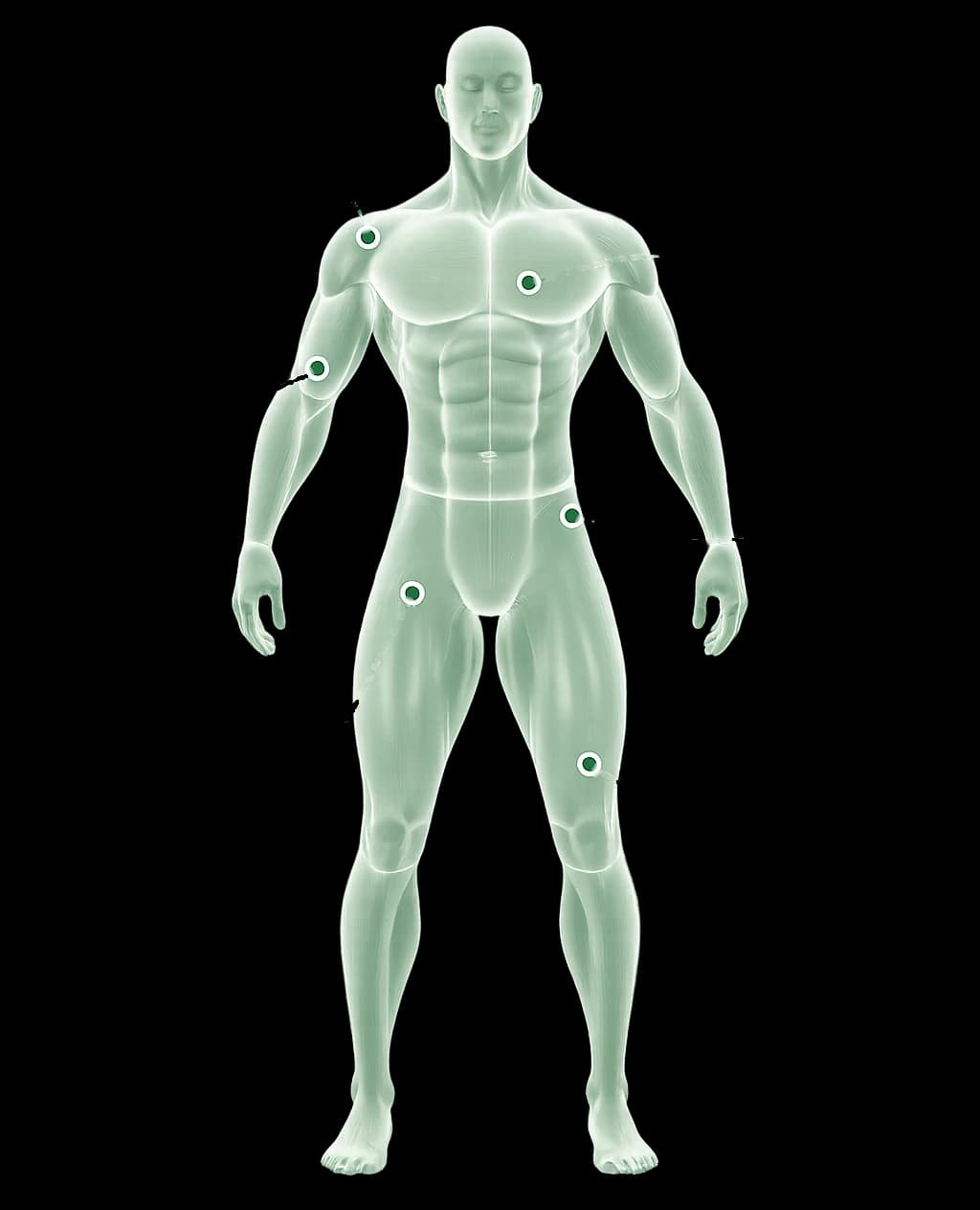
- 01Progress the scale missesEach change shows up green when it's progress for that spot — a smaller waist, bigger arms — so you see at a glance what's working.
- 02Logged in secondsTap a body part, enter the number, done. The app shows where the tape goes, so you measure the same way every week.
- 03Right next to your trainingYour measurements live in the same app as your workouts, so every change sits beside the training behind it. AI Coach follows your weight trend too.
Trends, not daily noise
Your weight can jump a kilo overnight from water, salt or a late dinner. So every metric gets its own chart of every entry you log, with your current value, the change since last time and since you started. One bad weigh-in stays one dot on a line that's still heading the right way.
EXAMPLE DATA- CURRENT
- 80.9 kg
- VS LAST
- −0.4 kg
- TOTAL
- −2.6 kg
Your training progress, without the spreadsheet
Every set you log in the workout tracker feeds this page on its own: your estimated one-rep max for each exercise, weekly volume, personal records, sets per muscle group and a calendar of the days you trained, missed or rested. Nothing extra to enter.
See how the workout tracker worksESTIMATED 1RM
Bench press
80.2 kg+7.8 kg
WEEKLY VOLUME
12.4 tonnes
Sets per muscle group
- Legs18
- Back16
- Chest14
- Arms12
- Shoulders10
- Core8
Consistency
- completed
- missed
- rest
EXAMPLE DATA
Progress tracking, answered
What can I track?+
Your body weight and six body measurements — chest, waist, shoulders, arms, glutes and legs — plus your training: estimated one-rep max for each exercise, weekly volume, personal records, sets per muscle group and a calendar of completed, missed and rest days.
How often should I measure?+
Once a week is plenty. Measure at the same time of day under the same conditions — ideally in the morning, before eating — so the trend shows real change rather than water or food. The app shows how to measure each body part, so the tape goes in the same place every time.
Why trends instead of my latest weigh-in?+
Body weight can swing a kilo or two from one day to the next with water, salt and food, so a single number says little. Each chart shows every entry you've logged, with the change since your last entry and since you started — the direction over weeks is what counts.
Can I use pounds and inches?+
Yes. Pick metric or imperial in your profile, and every screen — measurements, lifts and charts — follows it. You can switch at any time without losing anything you've logged.
Where does my strength progress come from?+
From the sets you log in the workout tracker. Every completed set feeds your estimated one-rep max, weekly volume and personal records, so there's nothing extra to enter.
Can I fix a wrong entry?+
Yes. Any measurement can be edited or deleted, and logging a body part again on the same day simply replaces the earlier value.
Your progress, in one place.
Build your plan in a short chat, log your first session, and your progress page starts filling itself in.